How to Build a Steam Wishlist That Gets You Games You Love
Updated August 3, 2026
Treat your Steam wishlist as a sorting system, not a memory dump. Rank every game into one of three tiers (buy at launch, wait for a sale, demo first), turn on wishlist emails, and prune the list twice a year. Steam then does the watching for you: it notifies you at launch and on any discount of 20% or more.
Last verified: August 2026. The 20% threshold, the 8 hour minimum and the email cooldown below were re-checked against Valve’s Steamworks wishlist documentation.
Why do Steam wishlists stop working?
Most wishlists fail the same way: they only grow. You see something interesting in a trailer or your discovery queue, click the wishlist button, and never think about it again. A few years later you have a few hundred entries in no particular order, and when a seasonal sale arrives, scrolling that wall feels like homework. So you buy whatever the front page pushes at you, while the games you genuinely wanted sit buried at position 148.
An unsorted wishlist cannot answer the only question it exists to answer: which of these do I buy next? The fix is a quick sorting pass plus a small maintenance habit. Everything below is built on features Steam already ships.
What does Steam actually do with your wishlist?
More than most players realize. All of this comes from Valve’s own Steamworks documentation on wishlists:
- Launch emails. When a wishlisted game releases, including an Early Access game moving to full launch, Steam sends you an email and/or a mobile notification.
- Sale emails. Any discount of 20% or more that runs longer than 8 hours triggers a wishlist notification. That covers daily deals, weeklong deals, and seasonal sales.
- A spam guard. Steam puts you on an email cooldown of about two weeks per game once it has notified you about that game, and longer during the big seasonal sales, so a busy wishlist does not flood your inbox.
- Demo alerts. A developer can send one wishlist notification when their game’s demo goes live.
- A recommendation signal. Wishlisting tells Steam’s recommendation system what you are interested in, which shapes your discovery queue and store suggestions. Wishlist interest also feeds the store’s upcoming-release lists.
One catch: notifications only reach a verified email address, and your account’s email preferences have to allow them. That is the first thing to check, and it is step one below.
How do you organize a Steam wishlist in six steps?
- Verify the plumbing. Click your username in Steam, open Account Details, confirm your email is verified, and check your email preferences so wishlist notifications are actually enabled. Two minutes, and the whole system depends on it.
- Triage everything into three tiers. On your wishlist, set Sort By to “Your Ranked Order”, then drag games (or type a rank number) into three blocks. Tier one: games you will buy at launch, at full price. Tier two: games you want, but at a discount. Tier three: games you need to demo first, or are not sure about anymore. The first pass through a 200-game list takes about twenty minutes, and you only do it once.
- Keep tier one short. Five to ten games. Tier one is a commitment to buy at launch, and launch-week sales decide whether Steam keeps showing the game to anyone.
- Let filters do the work during sales. When a sale hits, sort your wishlist by discount, filter by price tier, or filter to games your Steam Wallet balance covers. You can also click a tag (cozy, roguelike, co-op) to see only wishlisted games of that type. Steam saves your filter and sort choices between visits, so the view you build stays built.
- Prune twice a year. Before the summer and winter sales, walk the bottom of the list. The rule: open the store page, rewatch the trailer, and if it does nothing for you now, remove the game. Free games can leave too, since they never need a sale alert. If cozy is your genre, our best free cozy games roundup covers what to just install instead.
- Use the wishlist to follow unreleased games. For a small game with no marketing budget, the launch email is often the only way you will ever hear it shipped. Wishlist unreleased games you are curious about and let Steam track them for you. Our lists of Steam hidden gems worth wishlisting and the most anticipated cozy games of 2026 are good hunting grounds.
What mistakes make a wishlist useless again?
- Wishlisting without triage. New additions land at the bottom by default. Once a month, rank the newcomers into their tiers or the graveyard rebuilds itself.
- Waiting for discounts on cheap games. A 20% cut on a 5 dollar game saves you one dollar. If a game already costs less than a coffee, tier it by interest, and remember the developer sees far more of a full-price purchase.
- Never removing anything. Taste changes. A wishlist entry from 2021 is a note from a different person.
- Ignoring launch emails for tier one. If you promised yourself a launch buy, the email is the moment. Early sales are when a small game either finds momentum or disappears.
What does your wishlist mean to a small studio?
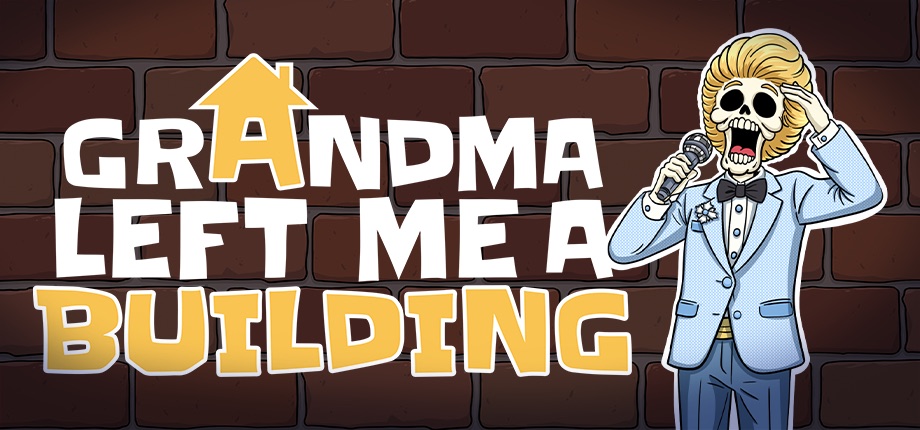
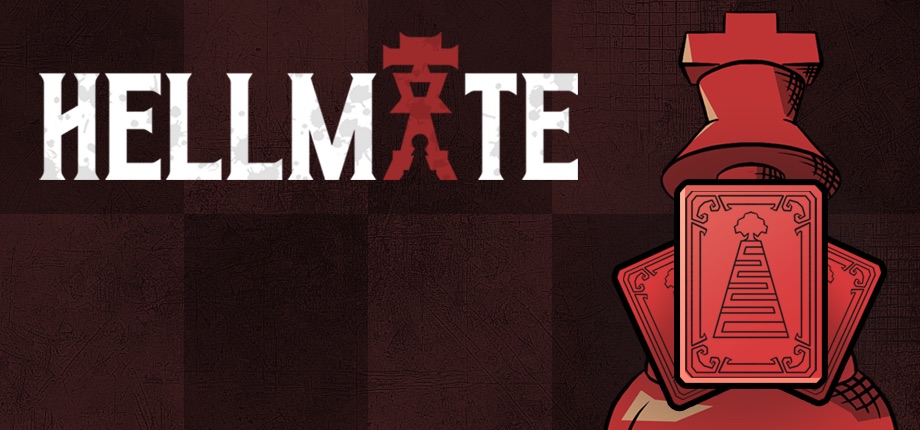
We can answer this one first-hand. We are Overbaked Studio, a small independent studio in Istanbul, founded in 2026, with two unreleased games: Grandma Left Me a Building, a cozy apartment management sim, and Hellmate, a roguelike deckbuilder built on chess pieces. Before a game ships, its wishlist count is close to the only number it has. We look at ours more often than we should.
Valve’s documentation is direct about this: wishlists indicate player interest, influence store placement, and help determine which upcoming games get surfaced, though Valve is equally clear there is no formula that converts wishlists into sales. So when you wishlist an unreleased indie, you do three things at once: you remind your future self, you nudge the game’s visibility upward, and you tell a developer that the thing they are building has an audience waiting. It costs you nothing and it is one of the strongest signals a player can send before launch.
Frequently asked questions
Does wishlisting commit me to buying anything?
No. Wishlisting costs nothing and one click undoes it, from the store page or from the list itself. Other players cannot see the list unless your profile shares that detail, and a game you drop leaves nothing behind.
Will Steam email me about every sale?
No. Only a discount of 20% or more that runs longer than 8 hours triggers an email, and a game Steam has already emailed you about goes quiet for roughly two weeks afterwards. Smaller cuts still show up on your wishlist page.
Does wishlisting help a developer even if I never buy?
Yes, before launch. Wishlist numbers are one of the interest signals Valve weighs when it decides which upcoming games to surface, so a wishlist from a stranger is a real event for a small team. Afterwards, sales and reviews carry the game instead.
How big should tier one be?
Five to ten games. It is the shortlist you promise to buy at full price on release day, so it only works while it stays small enough to act on. Anything you would happily wait for a sale on belongs in tier two.
Key takeaways
- A wishlist works when it is ranked: buy at launch, wait for a sale, demo first.
- Steam emails you at launch and on any discount of 20% or more lasting over 8 hours, but only to a verified email address.
- During sales, sort by discount and filter by price or tag instead of scrolling.
- Prune twice a year, before the summer and winter sales.
- For unreleased indies, your wishlist is a release tracker for you and a visibility signal for the developer.
If a cozy apartment management sim sounds like a tier-one candidate, you can wishlist Grandma Left Me a Building on Steam and the launch email will find you.